
 EN
EN
 ar
ar bg
bg hr
hr cs
cs da
da nl
nl fi
fi fr
fr de
de el
el hi
hi it
it ko
ko no
no pl
pl pt
pt ro
ro ru
ru es
es sv
sv tl
tl iw
iw id
id lv
lv lt
lt sr
sr sk
sk sl
sl uk
uk vi
vi et
et hu
hu th
th tr
tr fa
fa ms
ms hy
hy ka
ka ur
ur bn
bn mn
mn ta
ta kk
kk uz
uz ku
ku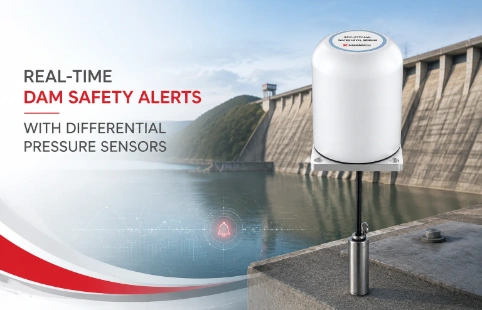
Real-Time Dam Safety Alerts with Differential Pressure Water Level Sensors
Key Takeaways An alert chain needs more than a sensor: define field in...

Wiring a Load Cell: A Practical Connection Guide
Getting the wiring right on a load cell isn’t complicated, but small mistakes can lead to noisy signals or a sensor that won’t work at all. Whether you’re setting up a weighing system for a silo or embedding sensors into a geotechnical monitoring project, understanding the basic wiring pattern saves time and frustration. We’ve gathered common questions from field technicians and put together a straightforward guide that covers color codes, bridge configurations, and a few things you’ll want to double‑check before powering things up. Kingmach produces a range of load cells and often helps engineers sort out these very questions.
Technical Detail
Most industrial load cells use a full Wheatstone bridge with strain gauges, which means you’ll typically see four or six wires coming out of the sensor. Four‑wire models combine the sense and excitation lines, while six‑wire cells keep them separate to compensate for lead resistance over long cable runs. Standard color codes aren’t universal, but many manufacturers follow conventions like red for excitation+, black for excitation‑, green for signal+, and white for signal‑. Always check the data sheet that came with your sensor—assuming one color pattern can cause embarrassing calibration shifts. If the sheet is missing, Kingmach support can often identify the wiring from the model number. Shielded cable is another detail that gets skipped: the shield drain wire should be connected only at the instrumentation end, never at both ends, to avoid ground loops. On the junction box side, keep connections clean and dry; moisture ingress is a common source of erratic readings. When hooking up to an amplifier or PLC, make sure the excitation voltage matches—many load cells run on 5 V to 10 V DC, and exceeding that can permanently damage the gauges. If you have a six‑wire cell but a four‑wire indicator, you’ll need to jumper sense+ to excitation+ and sense‑ to excitation‑ at the terminal block. It’s a small step that’s easy to miss and hard to diagnose later.
News
Key Takeaways An alert chain needs more than a sensor: define field in...
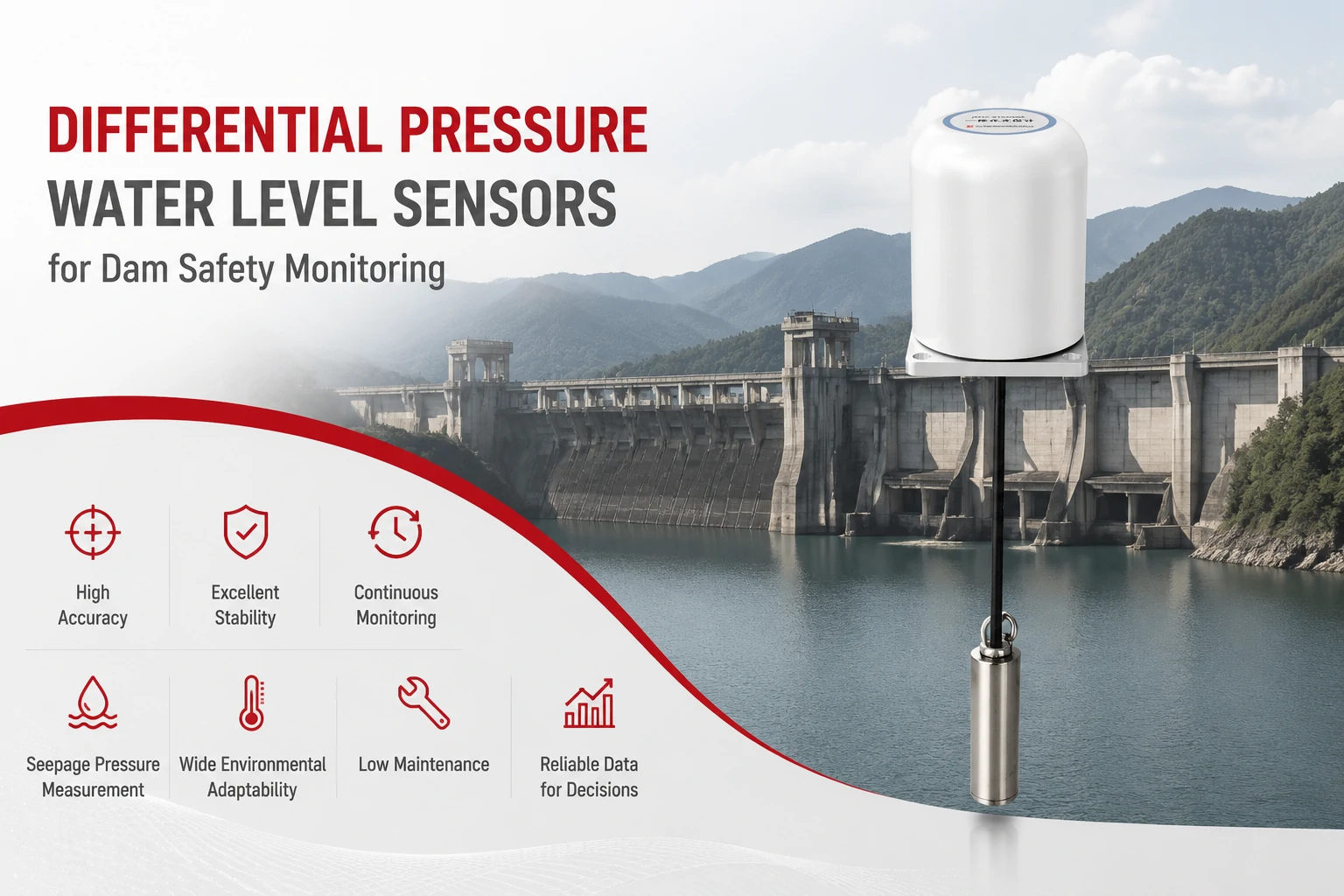
Key Takeaways The strongest fit is usually a confined, submerged, or s...
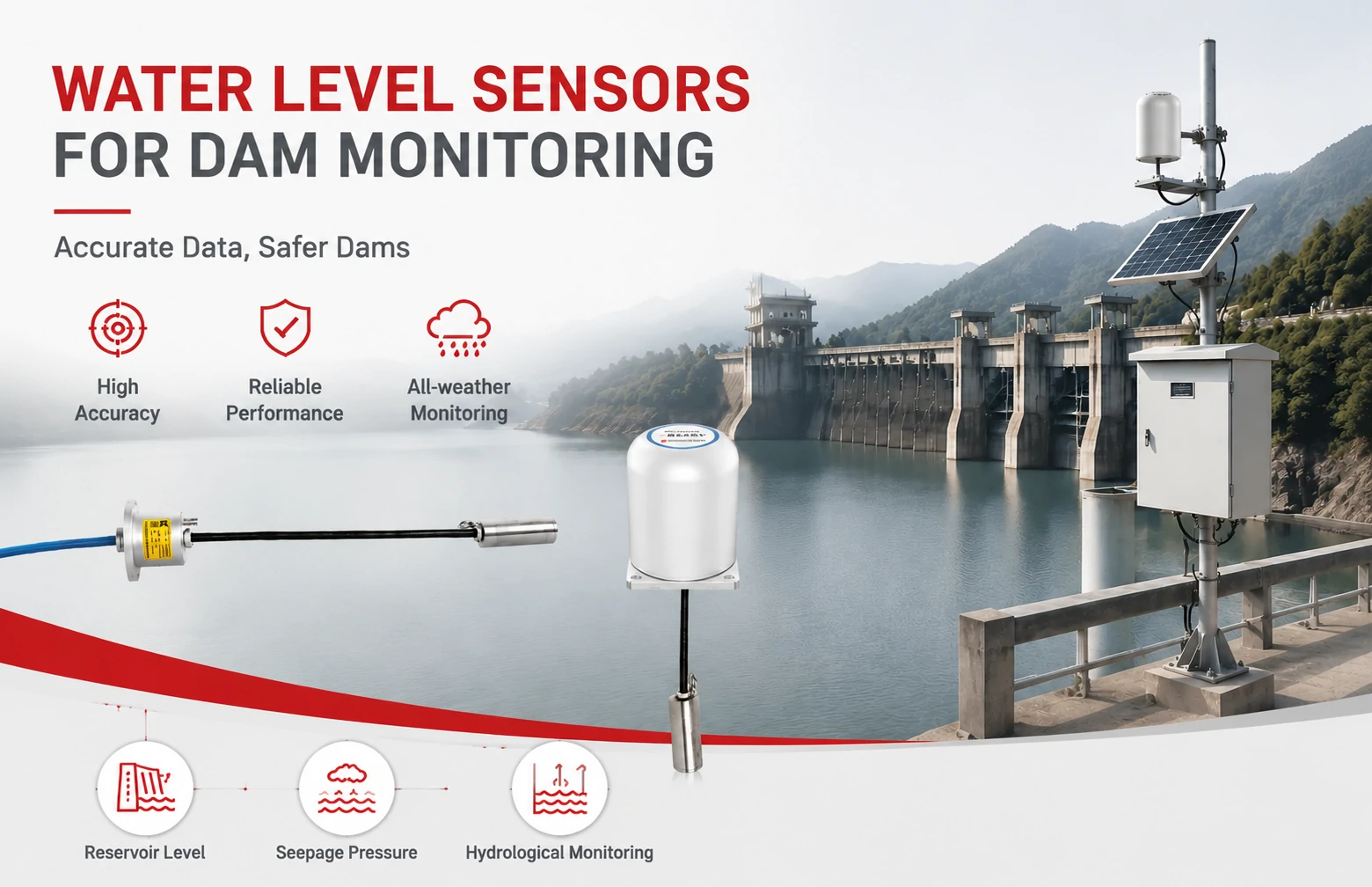
Kingmach Water Level Sensors for Dam Monitoring: A Buyer's Guide to Differential Pre...
Products
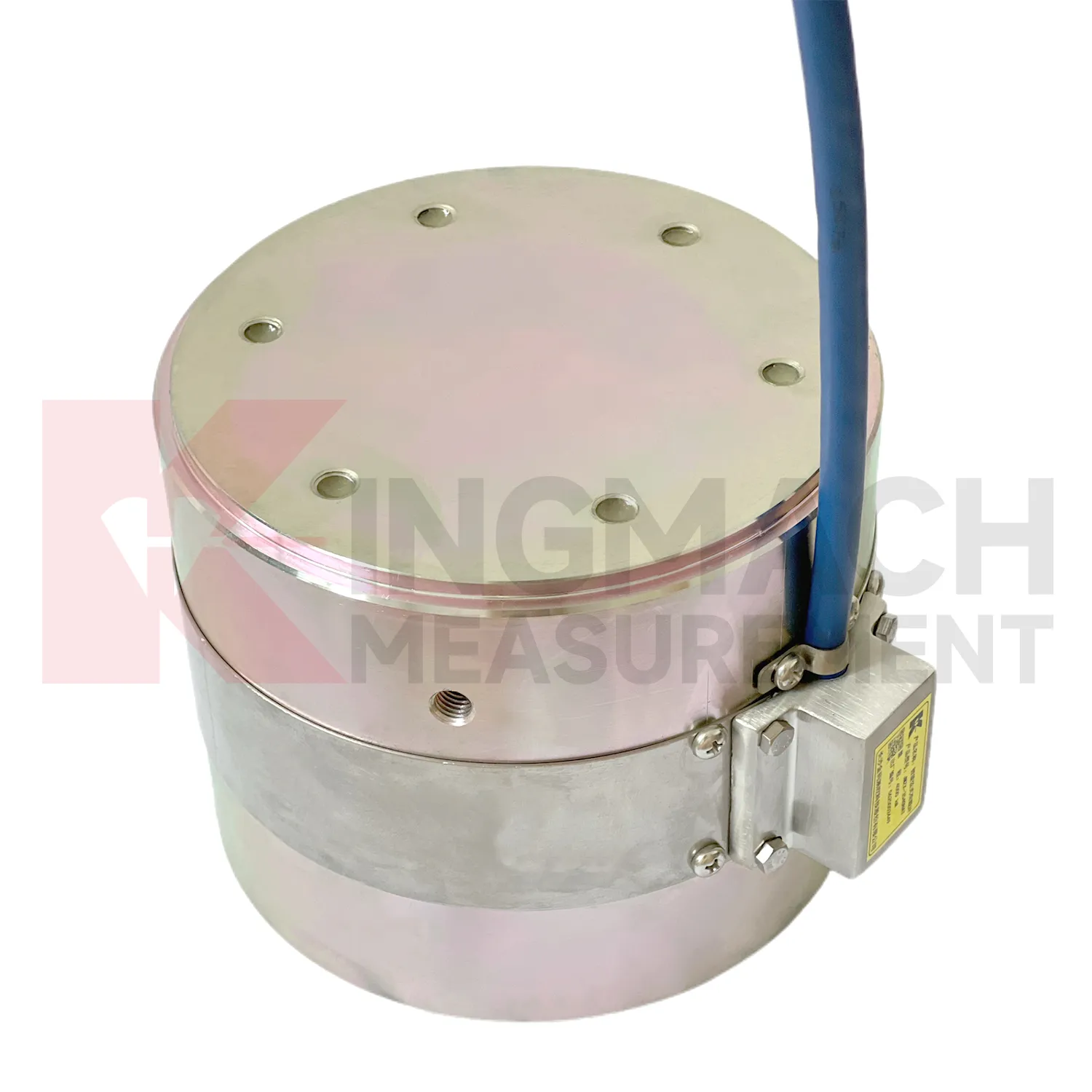
Solid load cell JMZX-34XXHAT、35XXHAT、36XXHAT
View Details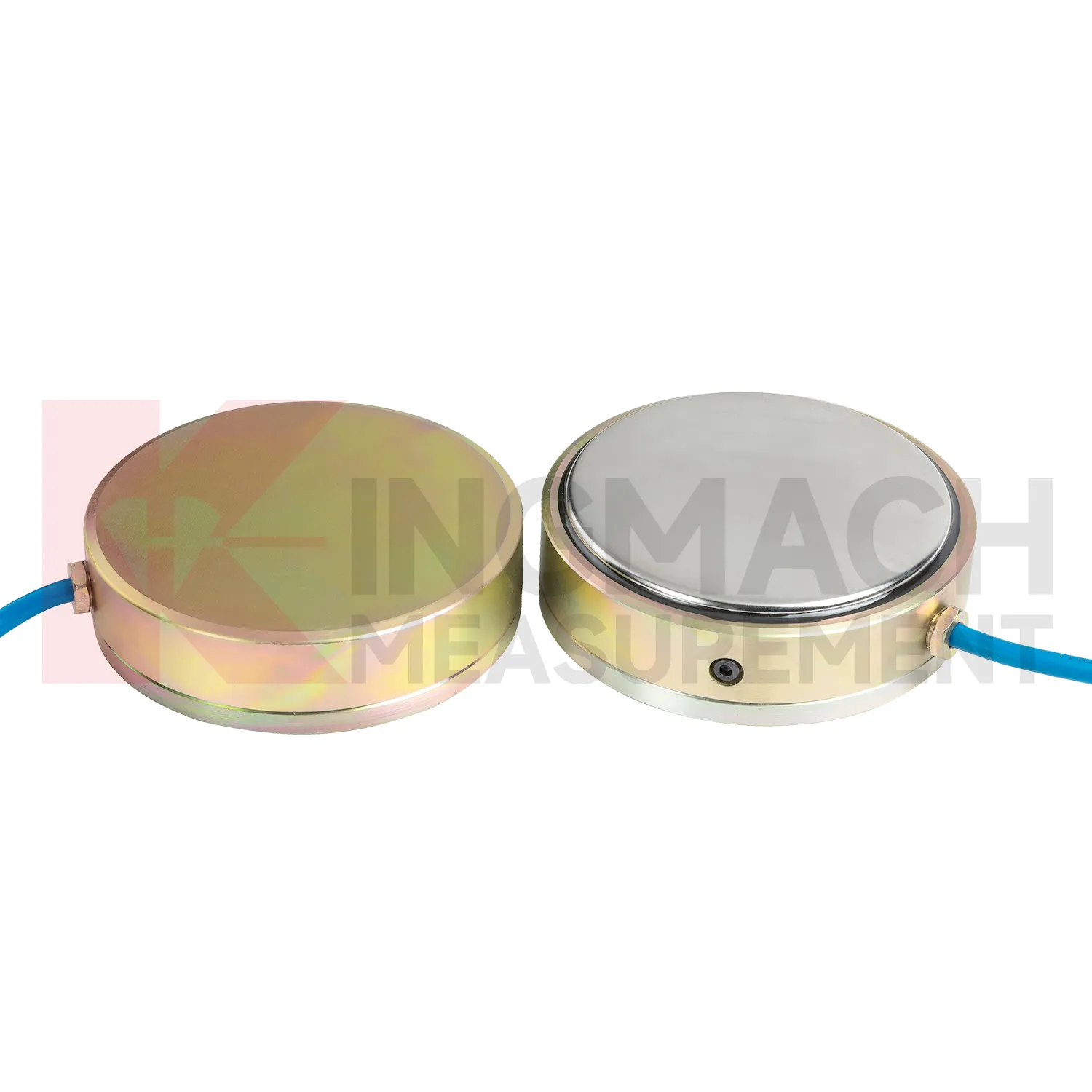
Earth Pressure Cell ( VW & Smart Type) JMZX-50XXAT/ ATM
View Details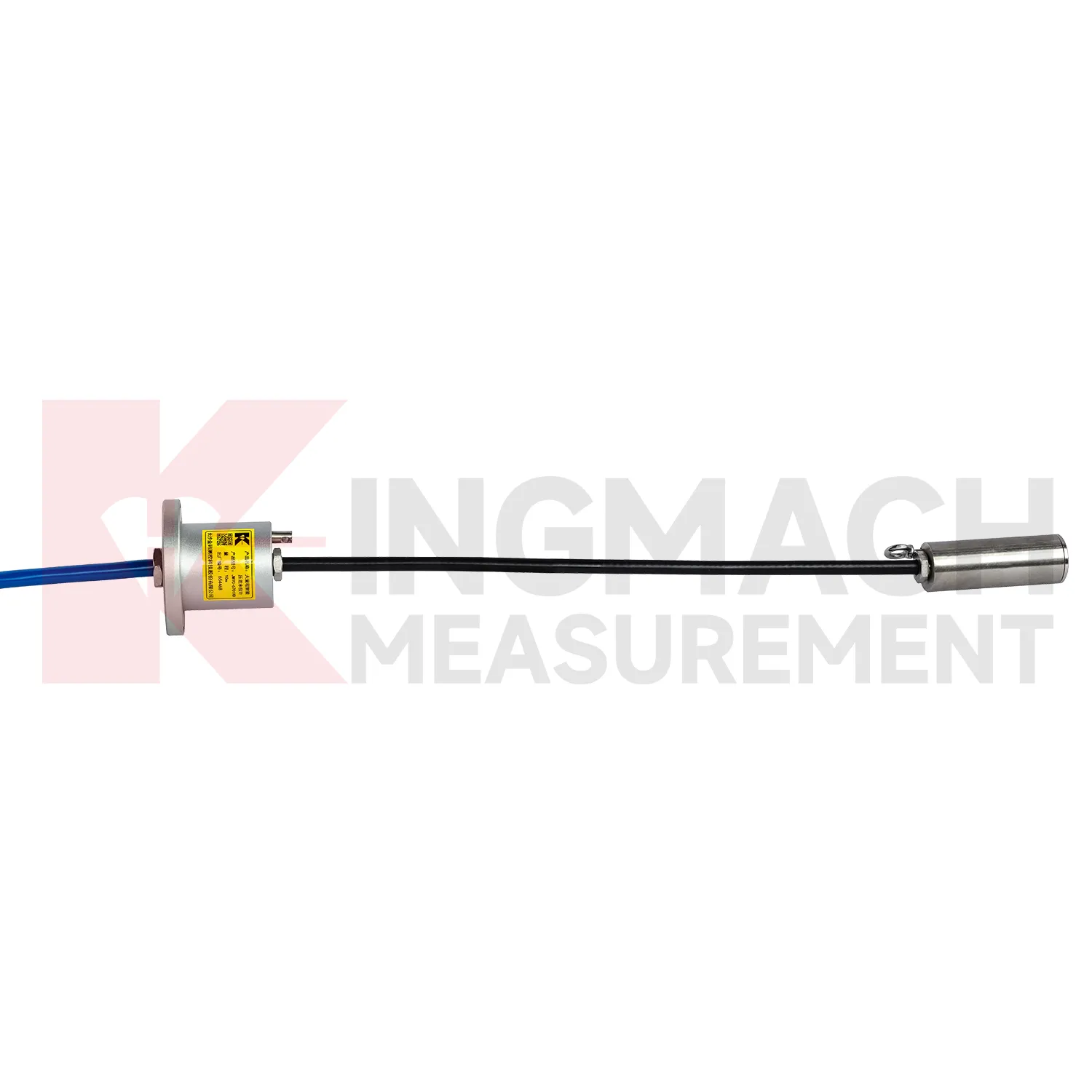
Wide-Range Smart Differential Pressure Water Level Meter JMYC-67XXAD
View DetailsFAQ
There’s no fixed global standard, but many cells follow the convention: red = excitation+, black = excitation‑, green = signal+, white = signal‑. Six‑wire types add blue (sense+) and yellow or brown (sense‑). Always verify against the manufacturer’s sheet—Kingmach includes a wiring card with every sensor shipped.
At the terminal block, simply connect the sense+ wire to excitation+ and sense‑ to excitation‑. This loop‑back tells the indicator’s voltage reference to use the excitation lines directly. Insulate the joints carefully so nothing touches the shield or housing.
The usual suspects are moisture in the junction box, a missing or incorrectly connected shield, or a ground loop. Check that the shield is tied only at the instrument end, all terminals are dry, and there’s no path between the shield and the mounting structure.
Yes, but with a four‑wire cell the added resistance will introduce a gain error. Six‑wire cells are immune because they sense the voltage directly at the bridge. If you must extend a four‑wire cell, keep the extension as short as possible and use the same conductor gauge and material.
Share your product type, target capacity, and application requirements. Our team can review the details and recommend a practical next step.
If you are interested in our products or want to become our partner.
Please leave your contact information, our team will contact you as soon as possible.
Mail: [email protected]
Contact Us: +8613808434127
Address: No. 188 Tongzipo West Rd, Changsha, Hunan, China